
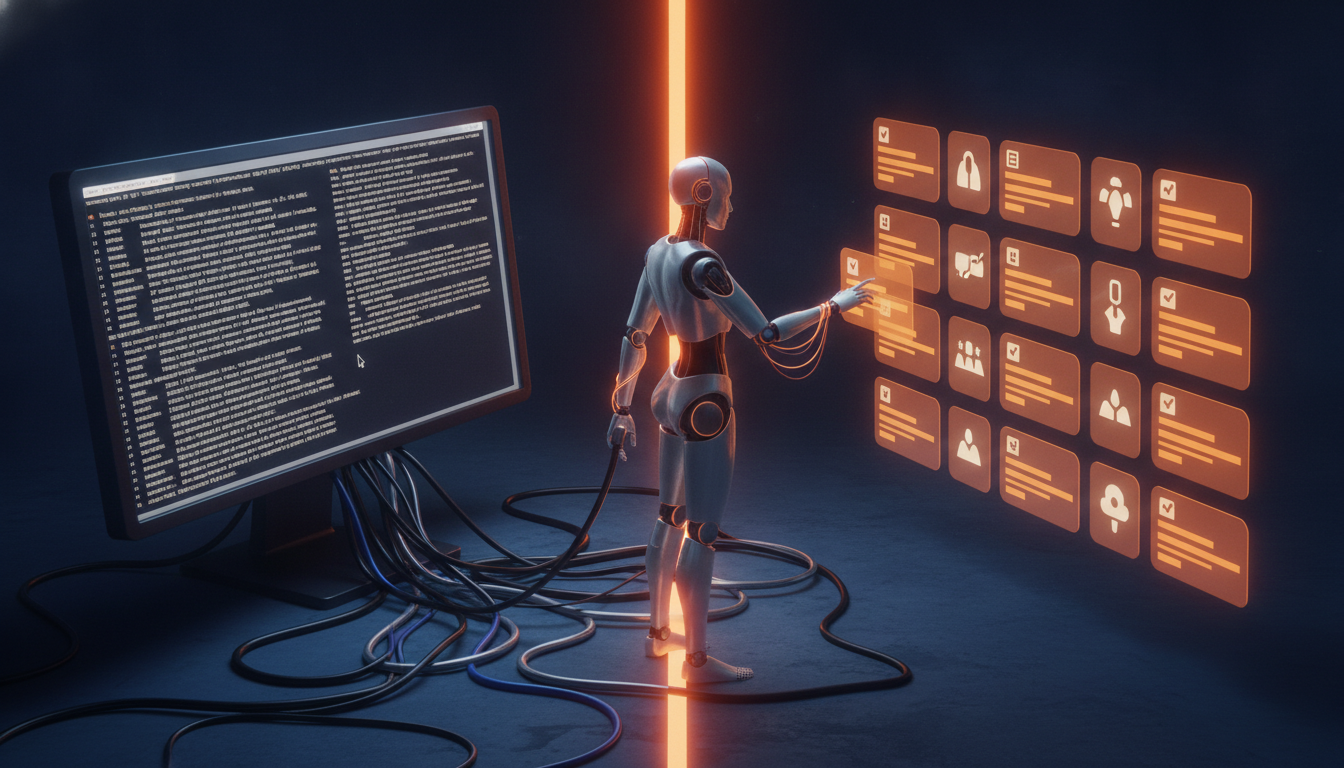
AI has moved past the chat box. The systems being built right now do not just answer questions — they read your database, restart your web app, file your tickets, pull your invoices, and push your deployments.
Which raises a question nobody had to ask two years ago: how does the AI actually reach those systems?
Two answers dominate the conversation. One is the CLI — the command line, the same text interface developers have used for forty years. The other is MCP, the Model Context Protocol, a newer standard built specifically so AI applications can find and use tools.
They sound like competitors. They are not. A CLI gives an agent a way to operate a tool. MCP gives an agent a way to discover what tools exist and how they are meant to be used. That is a real difference, and it changes how you design an AI system — and how much of your business you are comfortable handing it.
The Short Version, in One Picture
What a CLI Really Is
A command-line interface is a text doorway into a piece of software. Instead of clicking a button, you type an instruction:
The tool reads the line, does the thing, and prints the result. Developers have run their lives this way for decades. Nearly every serious business system — your cloud platform, your source control, your database, your backup software — already has one.
An AI agent can use that exact same doorway. The only change is who is typing. The agent decides a command is needed, writes it, runs it, and reads whatever comes back.
That is enormously powerful, and it is why coding agents got useful so quickly. Point one at a machine that already has Git, Docker, a package manager, and a cloud CLI installed, and it inherits thousands of capabilities on day one. Nobody had to build an integration for any of them.
What MCP Really Is
MCP — the Model Context Protocol — is an open standard for connecting AI applications to outside systems. Rather than teaching an agent the exact syntax of every product it might ever touch, you stand up an MCP server that publishes what that system can do, in a format any compatible AI can read.
An MCP server exposes three kinds of things:
- Tools — actions the AI is allowed to perform.
restart_web_app.create_invoice.look_up_order. - Resources — information the AI is allowed to read. A customer record, a policy document, last night's error log.
- Prompts — reusable workflows, so the right way to do something common is packaged rather than reinvented.
The important word is published. With a CLI, the agent has to already know what to type. With MCP, the agent can ask — and what comes back is a described, structured list with defined inputs and defined outputs.
The Workshop Analogy
Picture a workshop full of tools.
Giving an agent CLI access is like unlocking the door and letting it walk in. Every tool is right there. It can use any of them — assuming it knows how, and assuming nothing in the room is something you would rather it not touch.
MCP takes a different approach. Instead of just opening the door, it hands over an inventory sheet.
Side by Side
| CLI | MCP | |
|---|---|---|
| What it is for | Running commands | Connecting AI to capabilities |
| How you talk to it | Command syntax | A structured protocol |
| Finding out what is possible | Docs, or the agent already knows | Built in — the agent can ask |
| Built for AI? | No — built for people | Yes |
| Friendly to humans | Very | Increasingly |
| Friendly to agents | Yes | Yes |
| Predictable inputs | Depends on the tool | Yes, by definition |
| Predictable outputs | Depends on the tool | Yes, by definition |
| Reading context and data | Limited | A first-class concept |
| Best fit | Developer tools, scripts, the operating system | Business systems, reusable AI integrations |
A Concrete Example: Letting an Agent Touch Your Cloud
Say you want an AI agent that helps run your cloud infrastructure — check whether an app is healthy, look at recent errors, restart something that is stuck.
With a CLI, you install the Azure CLI on a machine, log it in, and let the agent type. When it needs to know how an app is doing, it runs something like az webapp show --name myapp --resource-group production, reads the output, and decides what to do next. Every Azure command is instantly available. Including the ones that delete things.
With MCP, you stand up a server that publishes only the handful of operations you are willing to allow:
The agent discovers those five, learns what each one expects, and works within them. There is no sixth option, because you did not publish one.
That is the architectural difference in one sentence: the agent is not being handed a terminal, it is being handed a catalog of capabilities.
Wondering what an AI agent should — and should not — be able to do inside your systems?
That question is an architecture decision, not a software purchase. Talk to ViviScape
MCP Does Not Replace the CLI
The most common misreading of all this is that you have to pick one. You do not. In most real systems they sit on top of each other.
An MCP tool can quietly run a CLI command underneath. You publish a clean deploy_application capability to the AI; behind it, the server runs the same deployment script your team has used for three years. The agent gets a described, bounded action. You get to keep every bit of automation you already built.
That is usually the fastest path for an established business. You are not rewriting your tooling. You are putting a labeled front door on it.
Which One, When
Reach for the CLI when…
- The system already has a mature command line worth inheriting.
- The agent is working inside a development environment.
- The job involves local files or the operating system itself.
- You are prototyping and want breadth fast.
- Building a dedicated integration would be more work than the task is worth.
Reach for MCP when…
- More than one AI tool needs to reach the same system.
- You want the agent to expose only a controlled subset of what is possible.
- Inputs and outputs need to be predictable enough to depend on.
- The AI needs to read business context, not just take actions.
- You want the integration to outlive whichever model you are using today.
That last point is the one business leaders should sit with. An MCP integration is not tied to a particular AI vendor. Build it once, and the capability keeps working when you change models, change assistants, or add a second one.
The Bigger Shift: From APIs to AI-Ready Capabilities
For thirty years, software integration looked like application → API → application. Both ends were programs, and a developer wrote the glue.
AI adds a participant that was never in that picture: person → AI → tools → applications. The AI is not a program someone wrote for a specific task. It decides, in the moment, which tool to reach for.
APIs were designed for developers. CLIs were designed for people and scripts. MCP is the first of the three designed around an AI deciding what to do next. None of them cancels the others out — a well-built system uses all three.
Why This Matters Outside of Engineering
Most conversations about AI agents focus on how smart the model is. That is the wrong variable to optimize. A brilliant model with no hands does nothing, and a brilliant model with unrestricted hands is a liability.
What an agent actually needs from you is four things:
- Context — enough information to understand what is going on.
- Capabilities — specific things it is able to do.
- Access — a secure connection to the systems that matter.
- Boundaries — a clear, enforced edge on what it may not do.
The architecture around the model determines all four. That is why this is not purely a developer topic. The company that wins with AI in its industry probably will not be the one with the biggest model — everyone rents the same models. It will be the one that did the work of making its own data, workflows, and expertise reachable by an agent, safely.
How We Think About It at ViviScape
We build systems where AI is a participant in the work, not a chat window bolted onto the side. That means the questions we ask early in a project have changed:
- What should our agents be able to reach?
- What actions should they be able to take — and which ones need a human in the middle?
- How do they find out those actions exist?
- How do we log, secure, and revoke that access?
- How do we make the same capability work across whatever AI tools we use next year?
In practice, the answer for most of our clients is a mix. Our own engineers work with CLI-level access in development environments, because breadth and speed matter there. Anything touching production, customer data, or money gets an MCP layer in front of it, because a published, bounded, auditable list of actions is the only version of that we are willing to run.
So: MCP or CLI?
Both. Use a CLI when an agent needs direct reach into the powerful tools that already exist. Use MCP when you want to publish structured, discoverable, limited capabilities to AI specifically. Combine them when you want a clean front door on automation you already trust.
CLI says…
- “Here are the commands you can run. Good luck.”
MCP says…
- “Here are the capabilities available to you, what each one needs, and what it will give back.”
It is a small distinction in wording. It is a large one in how you build software for a world where the software has to explain itself to a machine.
Key Takeaways
- A CLI lets an AI agent operate a tool by typing commands; MCP lets an AI application discover and use a published set of tools, resources, and context.
- CLI access is broad and immediate — the agent inherits every command on the machine, including destructive ones. That is the upside and the risk in the same sentence.
- MCP is a curated catalog: defined inputs, defined outputs, and only the actions you chose to publish. Boundaries are part of the design, not an afterthought.
- They are not rivals. An MCP tool commonly runs a CLI command underneath, which lets you reuse years of existing automation behind a clean AI-facing interface.
- MCP integrations are not tied to one AI vendor — build the capability once and it survives your next model or assistant change.
- The competitive edge in enterprise AI is shifting from model choice to architecture: what your agents can see, what they can do, and where the line is.
Don’t Just Add AI to Your Software. Build Software AI Can Work With.
ViviScape helps organizations design and build AI-enabled systems that connect intelligence to the tools, workflows, and data that actually run the business — with the boundaries in place from day one. If you are figuring out what your agents should be able to reach, let’s talk it through.
Schedule a Free Consultation